
Create offers and coupons
Publish an offer — percent off, amount off, extra days or a free extra — and tell your followers.
- For
- Rental companies
- Where
- App · Website / Web panel
- 3 min
Goal: Get more calls with a clear deal.
Steps
Step 1: On the Vendor tab tap Offers & coupons in your tools, then Create offer.
Step 2: Step 1 of 3 — Choose a template: Weekend −15%, 7 days for 5, Free delivery, Monthly −20%, Ramadan & Eid or Custom.
Step 3: Step 2 — Offer details: set the value, the title (tap Suggest for a ready title), an optional code, the end date and the cars (All my cars or Chosen cars).
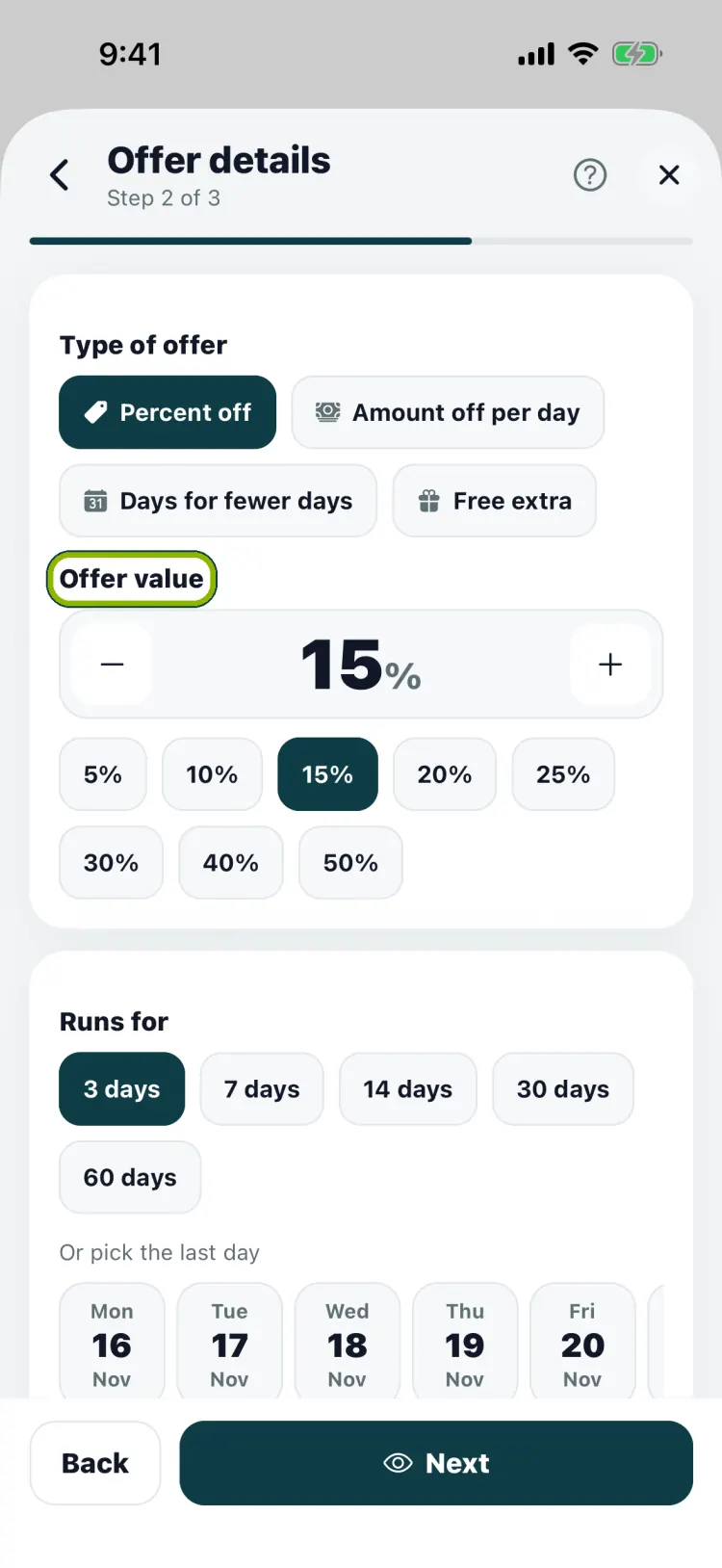
Offers wizard step 2: offer value, title, code, end date and cars Step 4: Step 3 — Preview & publish: check how it looks on the car card and on the car page. Tap Publish, or Save draft.
Step 5: Your followers are told when it goes live (at most one offer a day). Each offer shows its views, contacts and followers told. Tap End offer to stop it early.
Tips
- Clients mention the code when they call or WhatsApp. You apply the offer yourself — there is no payment on RentoLine.
- Tap End offer to stop it early.
Related guides
RentoLine has no online booking and no payments: you agree and pay directly with the rental company.
Still need help?
Our team answers by free call, on WhatsApp (+44 7577 563300), by email and in chat.