
Set prices and a sale price
Set daily, weekly and monthly prices, and show a sale price for a limited time.
- For
- Rental companies
- Where
- App · Website / Web panel
- 2 min
Goal: Show clear, competitive prices.
Steps
Step 1: On the Vendor tab, under “Your car listings”, tap Edit on the car and go to Pricing.
Step 2: Enter Daily Price, Weekly Price and Monthly Price.
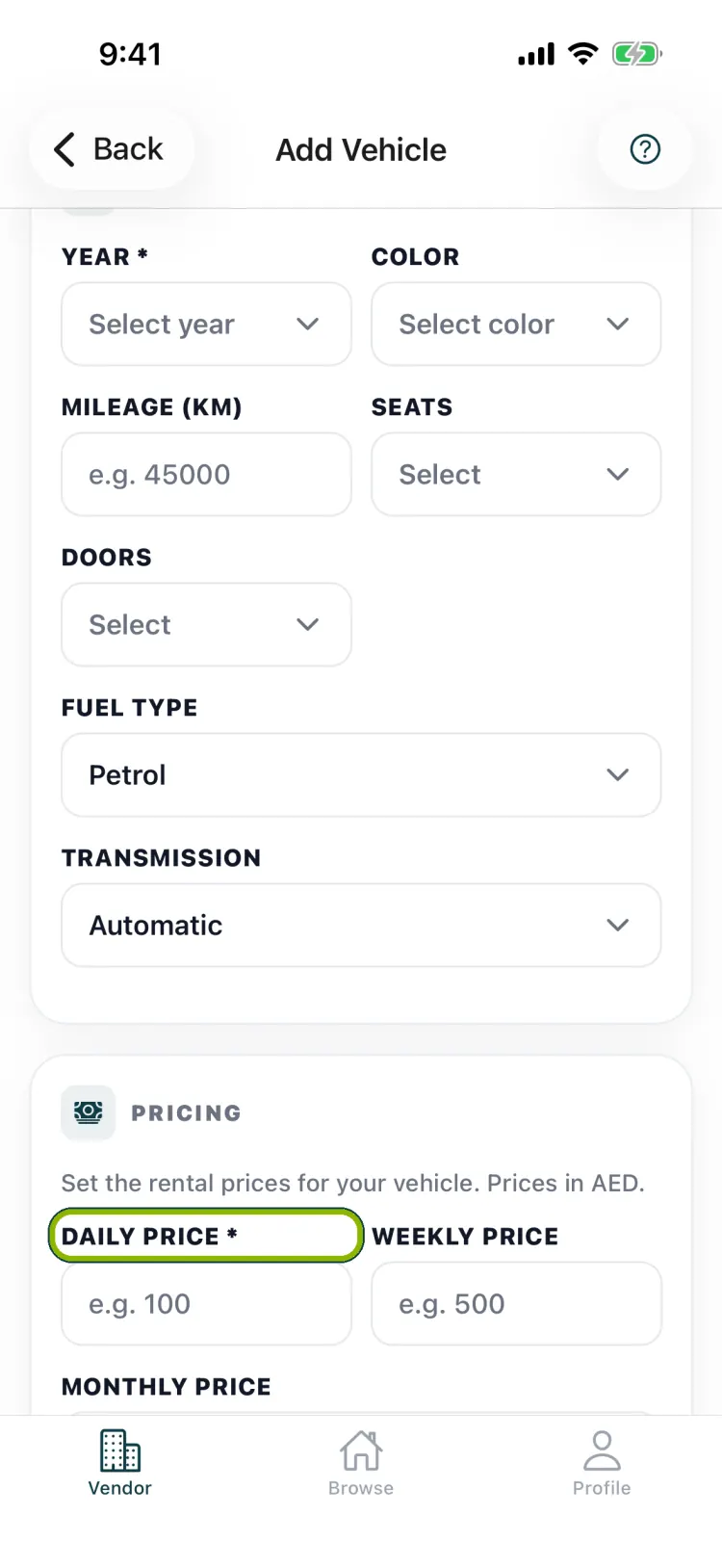
Add car screen with the daily, weekly and monthly prices marked Step 3: Open “Sale price & discount (optional)”. Enter the sale prices or a discount %, a label and start and end dates.
Step 4: Tap Save Changes. Clients see the old price crossed out.
Tips
- Prices are in your company currency. Clients can view a converted price.
Related guides
RentoLine has no online booking and no payments: you agree and pay directly with the rental company.
Still need help?
Our team answers by free call, on WhatsApp (+44 7577 563300), by email and in chat.