
Make a video reel from your photos
Turn a saved car's photos into a short video for the Videos tab and social media.
- For
- Rental companies
- Where
- App · Website / Web panel
- 2 min
Goal: Get a car video without filming.
Steps
Step 1: Save the car first, with good photos.
Step 2: Open it again (Edit) and scroll to Videos. Tap Generate Reel (web panel: “Create AI video”).
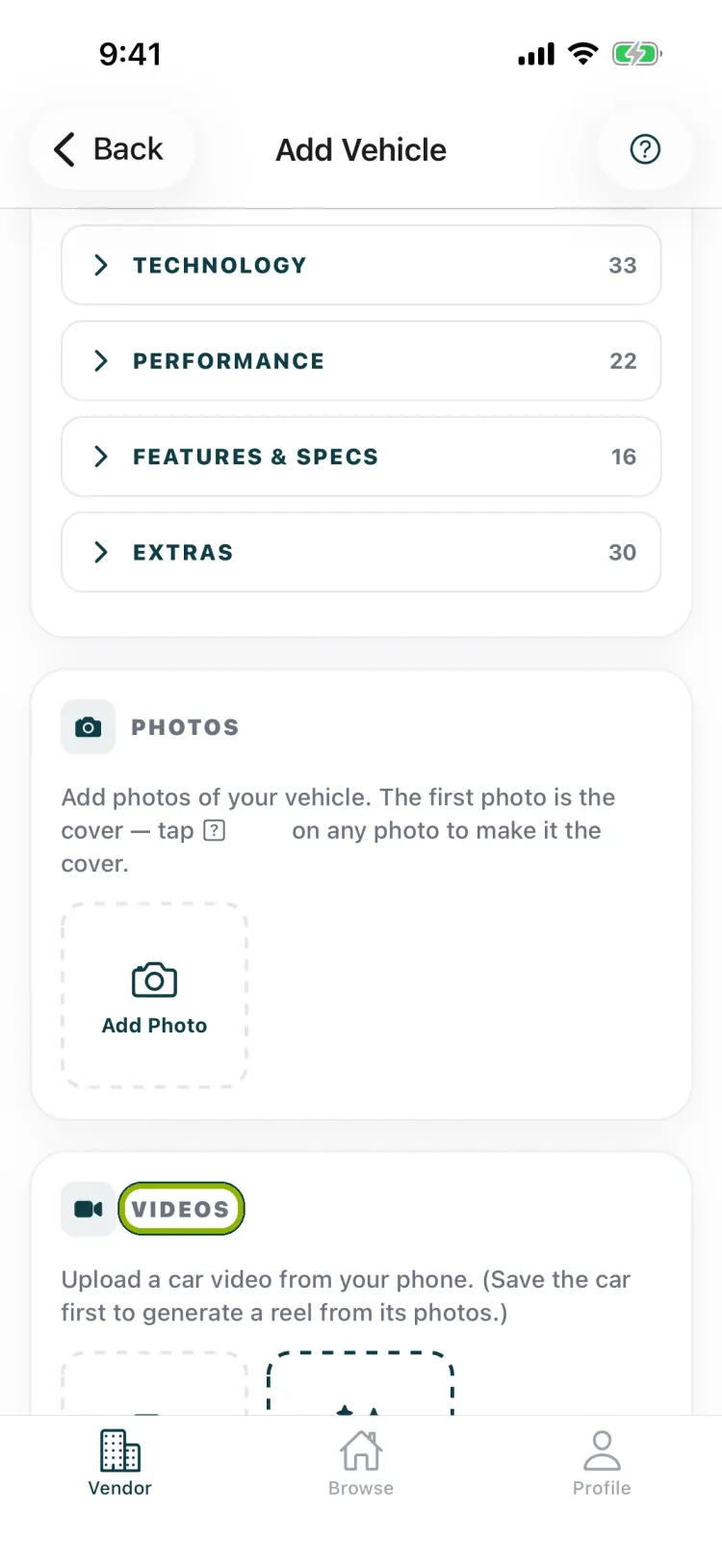
Add car screen with the Videos section marked Step 3: Wait for the video. It shows on RentoLine after a quick review.
Tips
- Videos never show a price, so they stay correct when prices change.
Questions
Is there a limit?
Yes, a number of AI videos per month depending on your plan.
Related guides
RentoLine has no online booking and no payments: you agree and pay directly with the rental company.
Still need help?
Our team answers by free call, on WhatsApp (+44 7577 563300), by email and in chat.