
Sign in with Face ID or fingerprint
Open your account in one look or one touch.
- For
- Everyone
- Where
- App
- 1 min
Goal: Sign in fast and safely.
Steps
Step 1: Sign in once with your email, phone, Google or Apple.
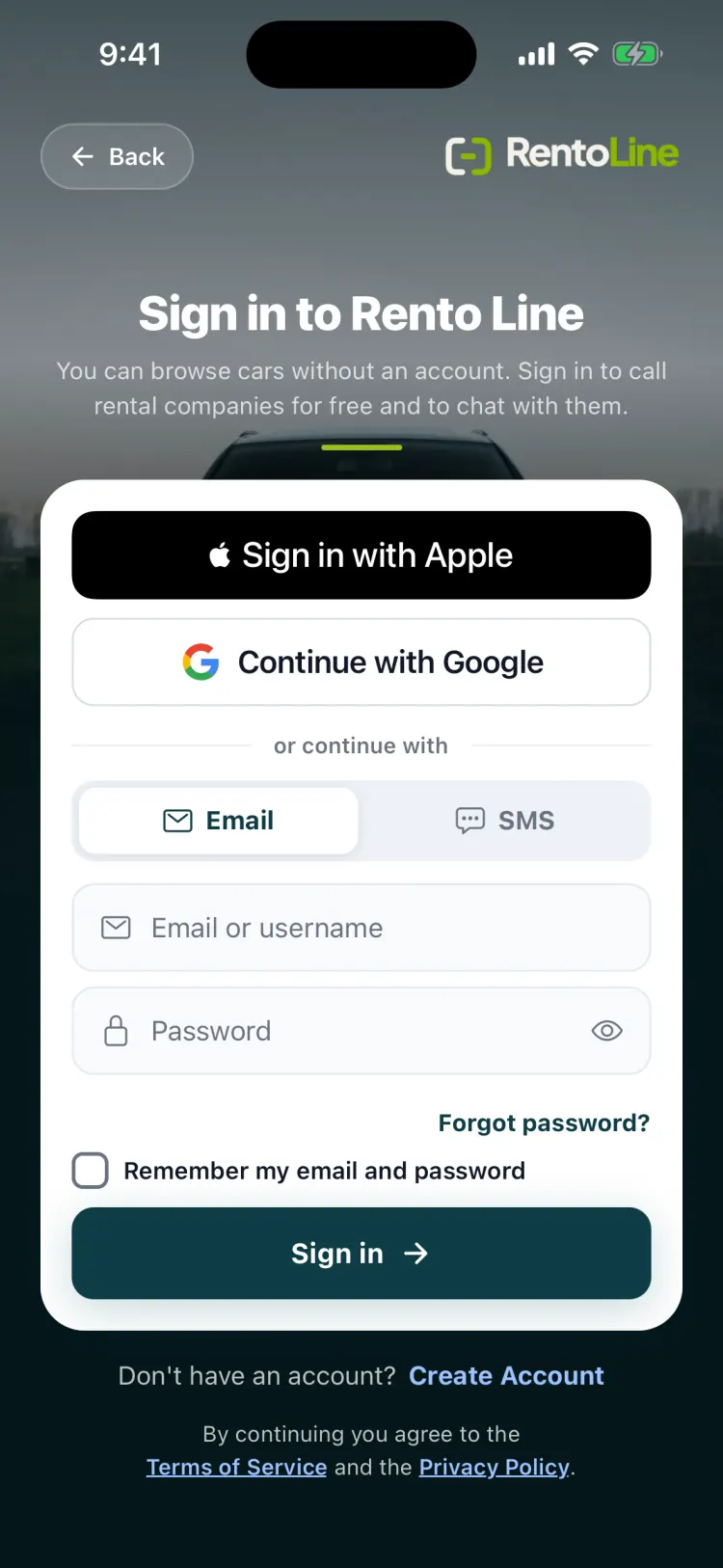
Sign-in screen in the app with email, phone, Google and Apple options Step 2: When the app asks “Sign in with Face ID?”, tap Use Face ID.
Step 3: Next time, tap “Sign in with Face ID” on the Profile screen.
Step 4: To turn it off: Profile → Settings → Sign in with Face ID → Turn off.
Tips
- Your face or fingerprint never leaves your phone.
Related guides
RentoLine has no online booking and no payments: you agree and pay directly with the rental company.
Still need help?
Our team answers by email.