
Create an account and sign in
Sign in with email, phone, Google or Apple to save favourites, chat and make free calls.
- For
- Renters
- Where
- App · Website
- 2 min
Goal: Have one account on all your devices.
Steps
Step 1: In the app go to Profile → Sign in. On the website open Account.
Step 2: Choose a way: email and password, phone (we send a code by SMS), Google or Apple.
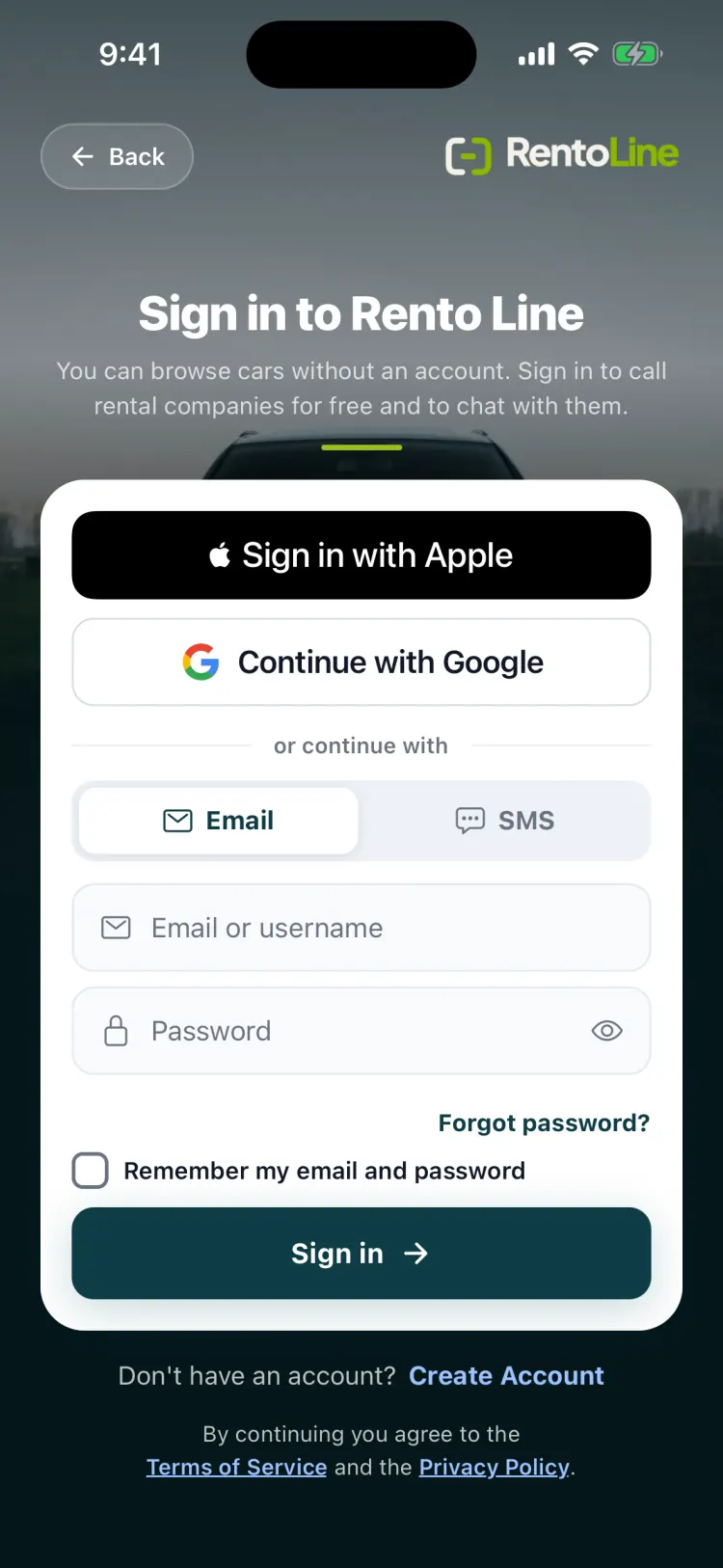
Sign-in screen in the app with email, phone, Google and Apple options Step 3: New here? Tap Create account and fill in your details.
Step 4: Forgot your password? Tap “Forgot password?” and follow the email.
Tips
- Use the same account in the app and on the website.
Related guides
RentoLine has no online booking and no payments: you agree and pay directly with the rental company.
Still need help?
Our team answers by email.