
Sign in with Face ID or fingerprint
Open your account in one look or one touch.
Эта инструкция доступна на английском и арабском.
- Для кого
- Все
- Где
- Приложение
- 1 мин
Цель: Sign in fast and safely.
Шаги
Шаг 1: Sign in once with your email, phone, Google or Apple.
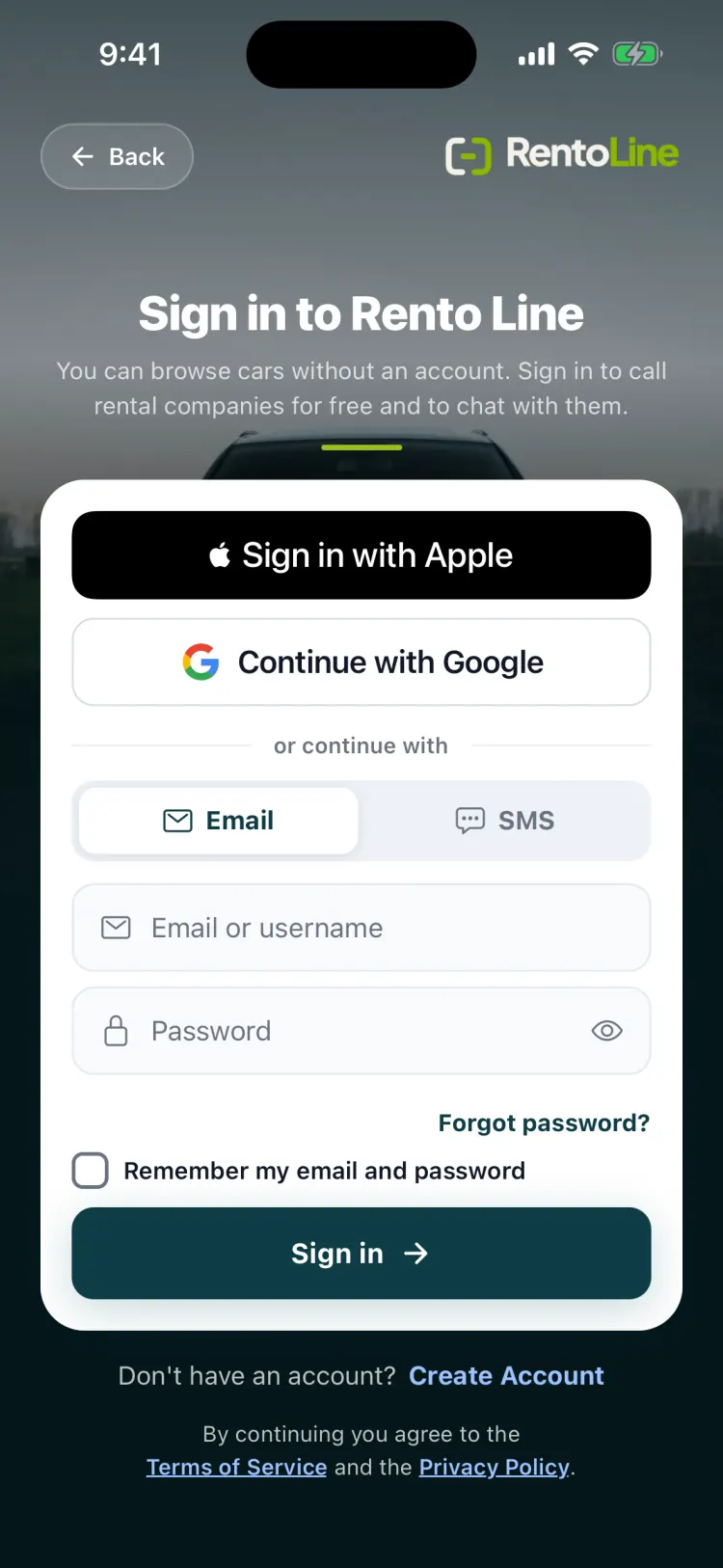
Sign-in screen in the app with email, phone, Google and Apple options Шаг 2: When the app asks “Sign in with Face ID?”, tap Use Face ID.
Шаг 3: Next time, tap “Sign in with Face ID” on the Profile screen.
Шаг 4: To turn it off: Profile → Settings → Sign in with Face ID → Turn off.
Советы
- Your face or fingerprint never leaves your phone.
Похожие инструкции
На RentoLine нет онлайн-бронирования и оплаты: вы договариваетесь и платите напрямую прокатной компании.
Нужна помощь?
Наша команда отвечает по электронной почте.