
Read and answer client reviews
Clients who contacted you can rate your company. A good reply builds trust.
- For
- Rental companies
- Where
- App
- 2 min
Goal: Answer every review once, politely.
Steps
Step 1: On the Vendor tab tap Client reviews in your tools. You see your average rating and every review.
Step 2: Tap Reply under a review, write your answer and tap Send reply. You can reply only once, so check your text.
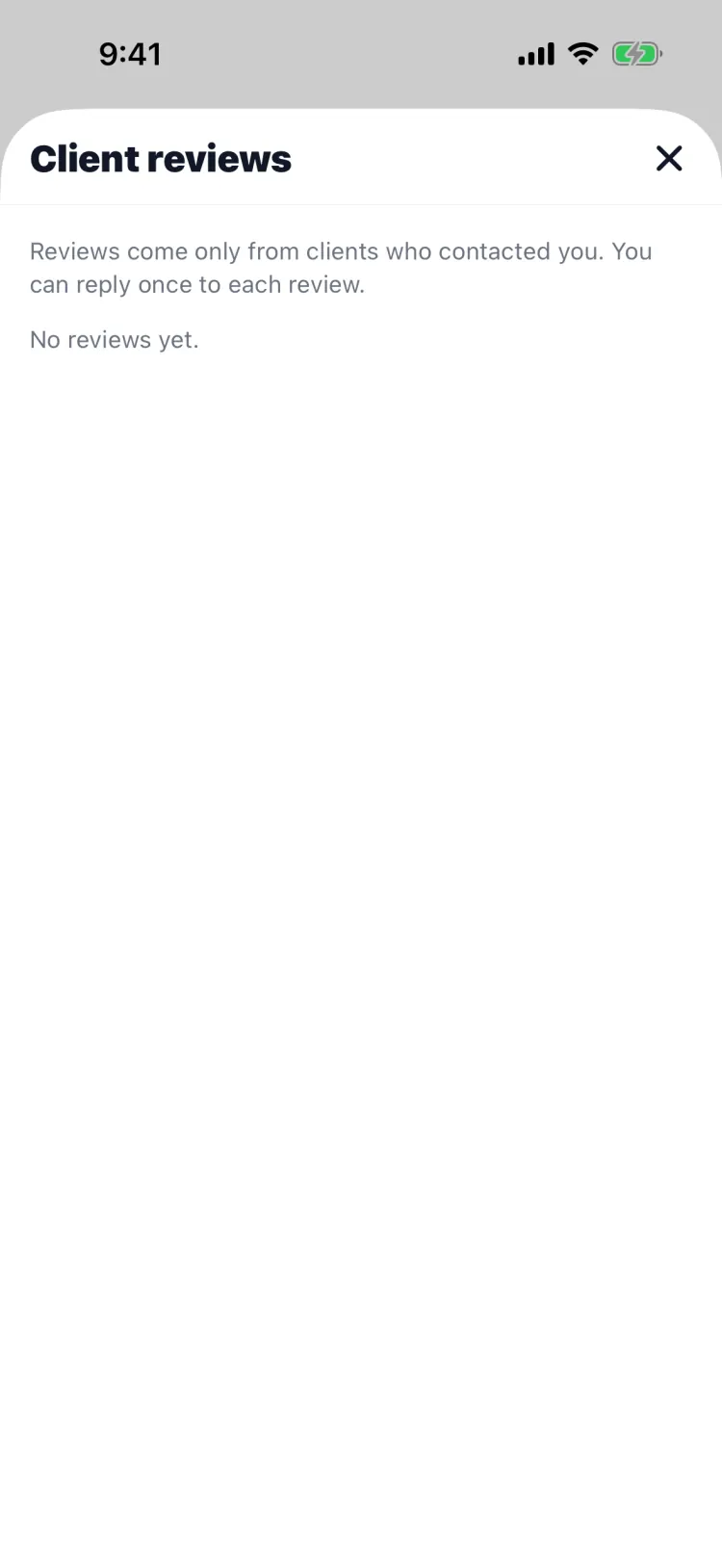
Client reviews window with the average rating Step 3: A fake or rude review? Tap Report review. RentoLine will check it.
Tips
- Reviews come only from clients who really contacted you through RentoLine.
Related guides
Answer calls and call back missed callsFree in-app calls ring on your phone. Missed ones wait in Calls so you can call back.2 minReply to client messagesChat with clients and with RentoLine support from one inbox.2 minPublish your company's stories (rental companies only)For rental companies: share a car, an offer or a short video as a story for 24 hours. Renters can't post stories; they can only watch them.3 min
RentoLine has no online booking and no payments: you agree and pay directly with the rental company.
Still need help?
Our team answers by free call, on WhatsApp (+44 7577 563300), by email and in chat.