
Reply to client messages
Chat with clients and with RentoLine support from one inbox.
- For
- Rental companies
- Where
- App · Website / Web panel
- 2 min
Goal: Answer clients quickly.
Steps
Step 1: Open Messages on the Vendor tab (web panel: Messages). New chats are at the top.
Step 2: Tap a chat, type your reply and send. You can send photos too.
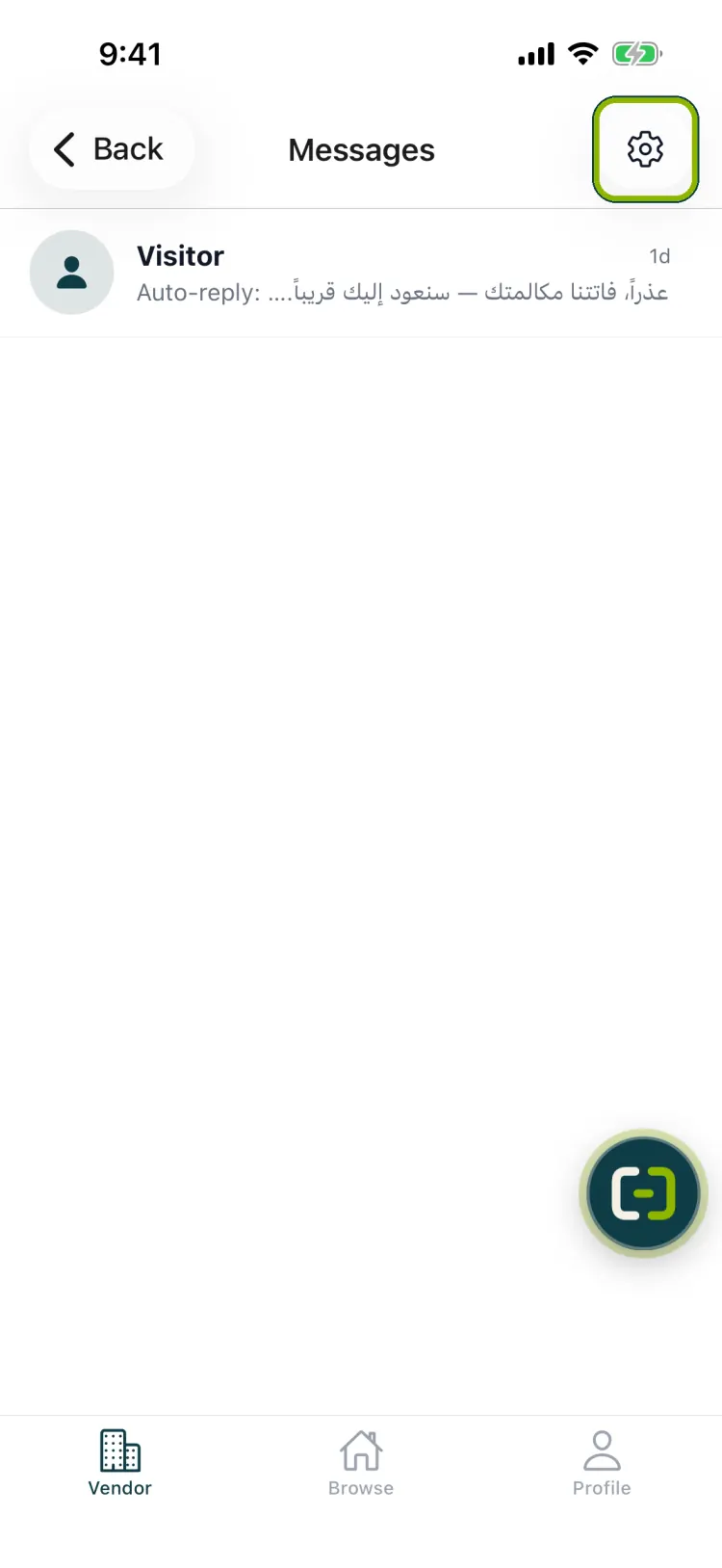
Messages screen for companies with the chat settings gear marked Step 3: Turn on notifications so you never miss a message.
Tips
- Reply within minutes — fast replies get more rentals.
Related guides
RentoLine has no online booking and no payments: you agree and pay directly with the rental company.
Still need help?
Our team answers by free call, on WhatsApp (+44 7577 563300), by email and in chat.