
Let the assistant reply to your clients
When you are busy, the assistant answers in the client's language using only your own cars, prices and terms.
- For
- Rental companies
- Where
- App · Website / Web panel
- 2 min
Goal: Answer every client, day and night.
Steps
Step 1: Open Messages and tap the gear icon at the top (Chat settings).
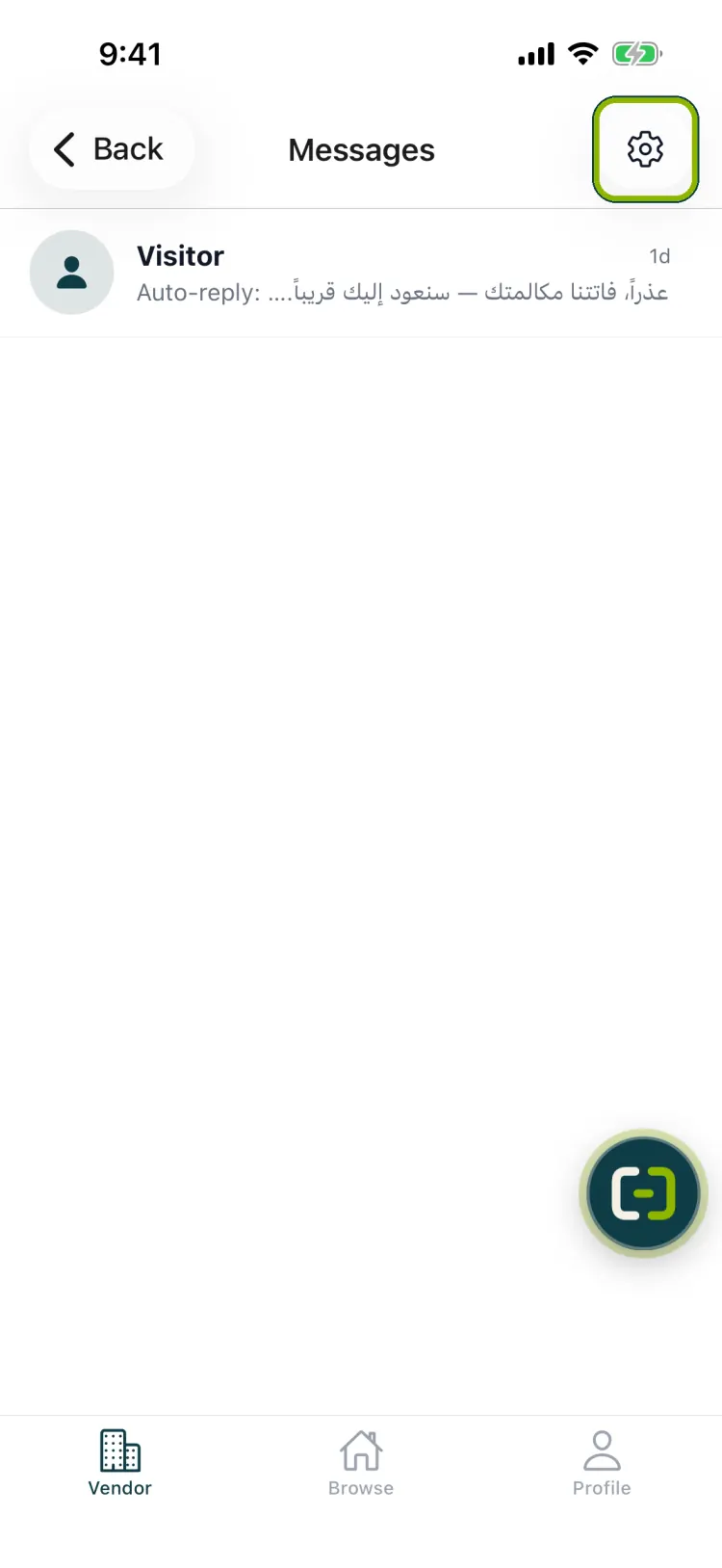
Messages screen for companies with the chat settings gear marked Step 2: Turn on the switch that lets the assistant reply to your clients.
Step 3: Choose “Pause after my reply”: when you reply yourself, the assistant stays quiet in that chat for that time.
Tips
- The assistant never invents prices or availability. It asks clients to call or WhatsApp you to confirm.
- Clients see these replies marked “Auto-reply”.
- Available on the Plus plan. Your Plan page shows what your plan includes.
Related guides
RentoLine has no online booking and no payments: you agree and pay directly with the rental company.
Still need help?
Our team answers by free call, on WhatsApp (+44 7577 563300), by email and in chat.