
Find offers and coupons
Companies publish offers like a percent off or free delivery. Mention the code when you contact them.
- For
- Renters
- Where
- App · Website
- 1 min
Goal: Get the best price from the company.
Steps
Step 1: On the website, open Offers to see all current offers.
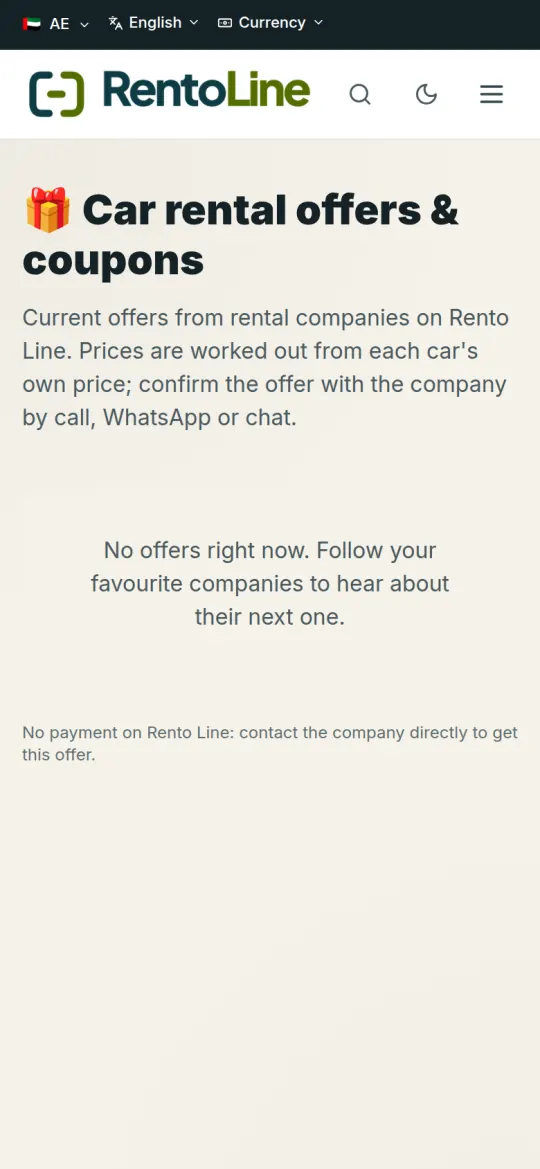
The car rental offers and coupons page on rentoline.com Step 2: In the app, look for the offer tag on car cards and “Current offers” on company pages.
Step 3: Open the offer and note the code.
Step 4: Call or WhatsApp the company and mention the code. The company confirms the offer.
Tips
- Follow a company to hear about its next offer.
Questions
Do I pay the offer price in the app?
No. There is no payment in the app. The company applies the offer when you rent.
Related guides
RentoLine has no online booking and no payments: you agree and pay directly with the rental company.
Still need help?
Our team answers by email.