
Report a listing or block a company
Tell us about a wrong or unsafe listing, or hide a company from your feed.
- For
- Renters
- Where
- App · Website
- 1 min
Goal: Keep RentoLine safe and useful.
Steps
Step 1: On a car page, tap “Report this listing” and pick a reason.
Step 2: On a company page, tap “…” then “Report this company” or “Block this company”.
Step 3: To unblock: Settings → Privacy & safety → Blocked → Unblock.
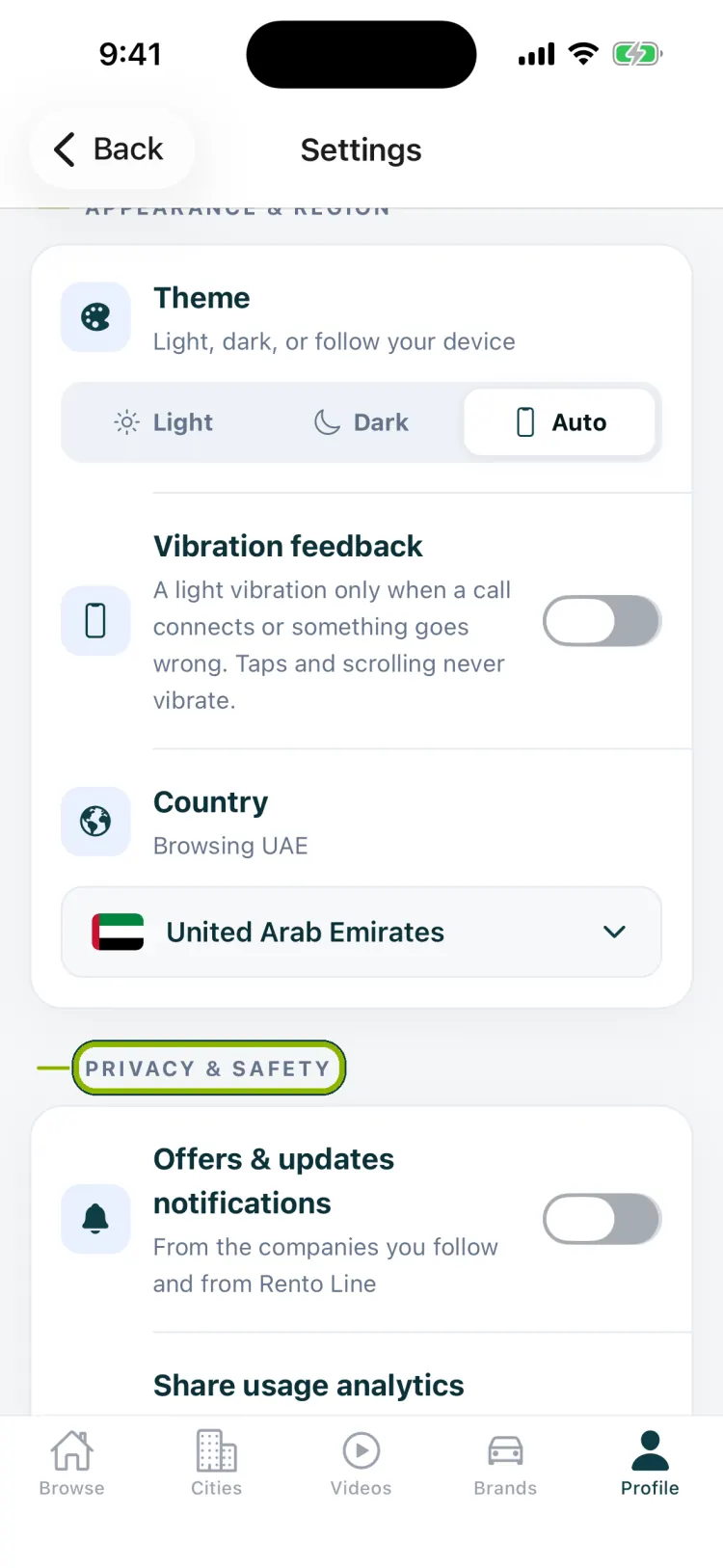
App settings scrolled to Privacy & safety, where the Blocked list is
Tips
- Never send money before you see the car and the company's documents.
Related guides
RentoLine has no online booking and no payments: you agree and pay directly with the rental company.
Still need help?
Our team answers by email.