
How RentoLine works
RentoLine shows cars from rental companies. You contact the company directly — no middleman, no booking fees.
- For
- Renters
- Where
- App · Website
- 2 min
Goal: Understand how to rent a car through RentoLine.
Steps
Step 1: Open the app or rentoline.com and browse the cars in your city.
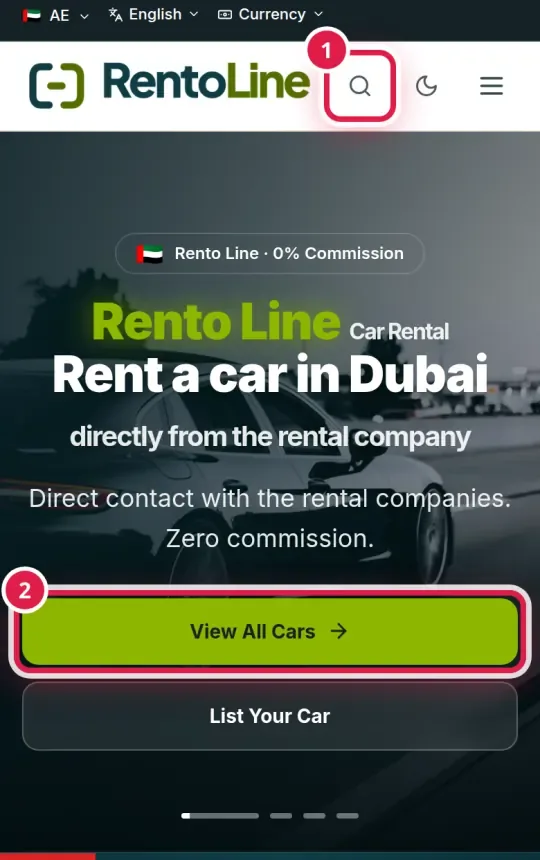
RentoLine home page on a phone, with the search button and “View All Cars” marked Step 2: Open a car to see its price per day, week and month, the deposit and the rental terms.
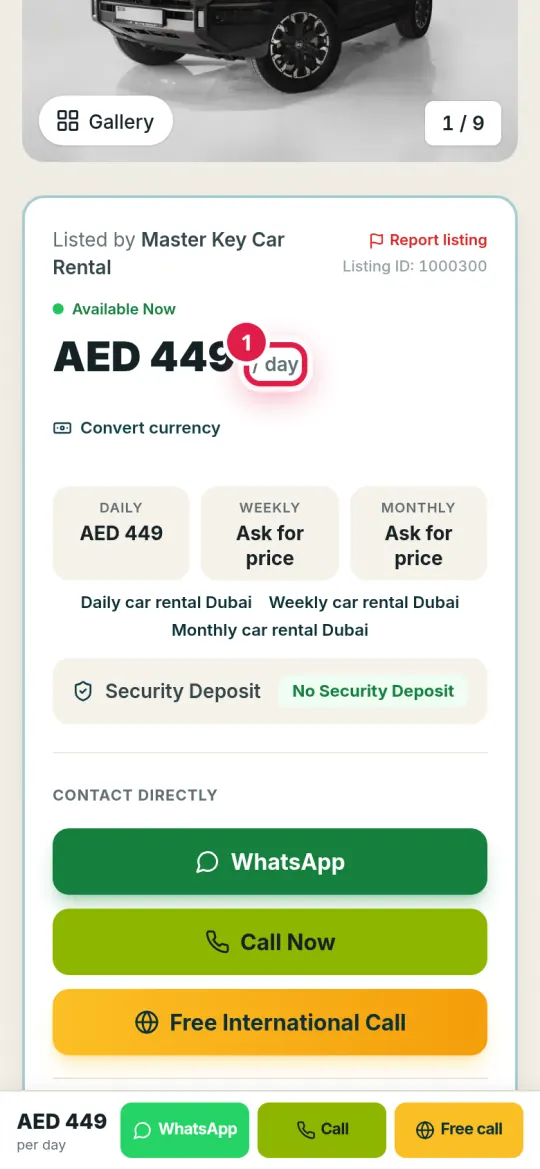
Car page price card showing the price per day, weekly and monthly prices and the security deposit Step 3: Contact the company: Call, WhatsApp, free call or chat.
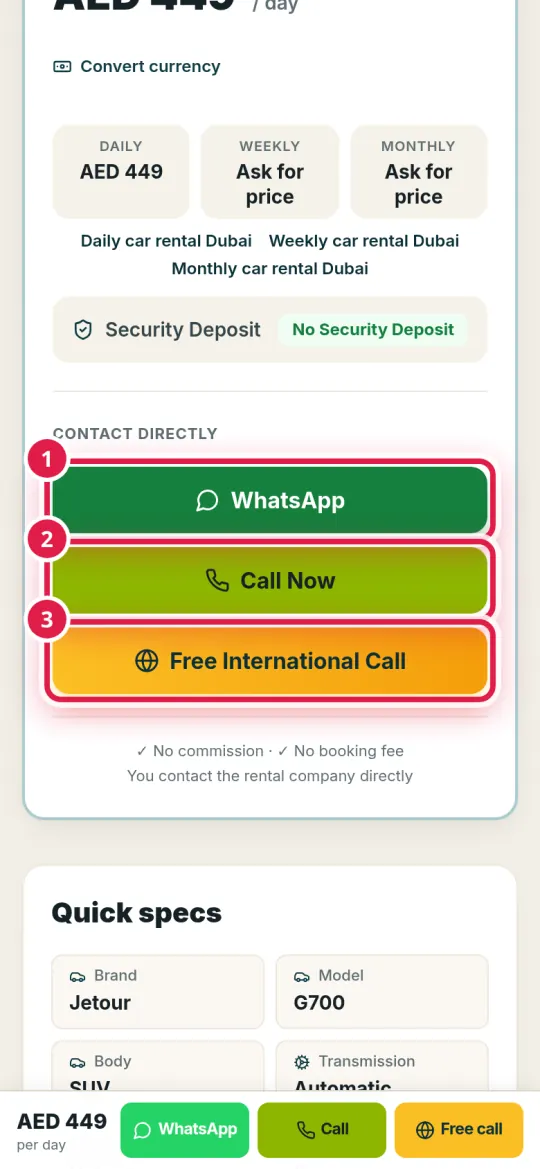
Car page with the WhatsApp, Call Now and Free International Call buttons marked 1, 2 and 3 Step 4: Agree on dates, price, delivery and payment with the company. You pay the company, not RentoLine.
Tips
- RentoLine takes no commission. The price you see comes from the company.
- Look for the Verified badge: the company uploaded a valid trade licence.
Questions
Can I book or pay inside the app?
No. There is no online booking and no payment on RentoLine. You confirm and pay directly with the rental company.
Is RentoLine free for renters?
Yes. Browsing, calling and chatting are free.
Related guides
RentoLine has no online booking and no payments: you agree and pay directly with the rental company.
Still need help?
Our team answers by email.