
The new Company stats screen
A clearer stats screen: your key numbers first, then your cars and where clients come from.
- For
- Rental companies
- Where
- App
- 2 min
Goal: Understand your results at a glance.
Steps
Step 1: On the Vendor tab tap “Company stats” in your tools.
Step 2: Pick a period at the top.
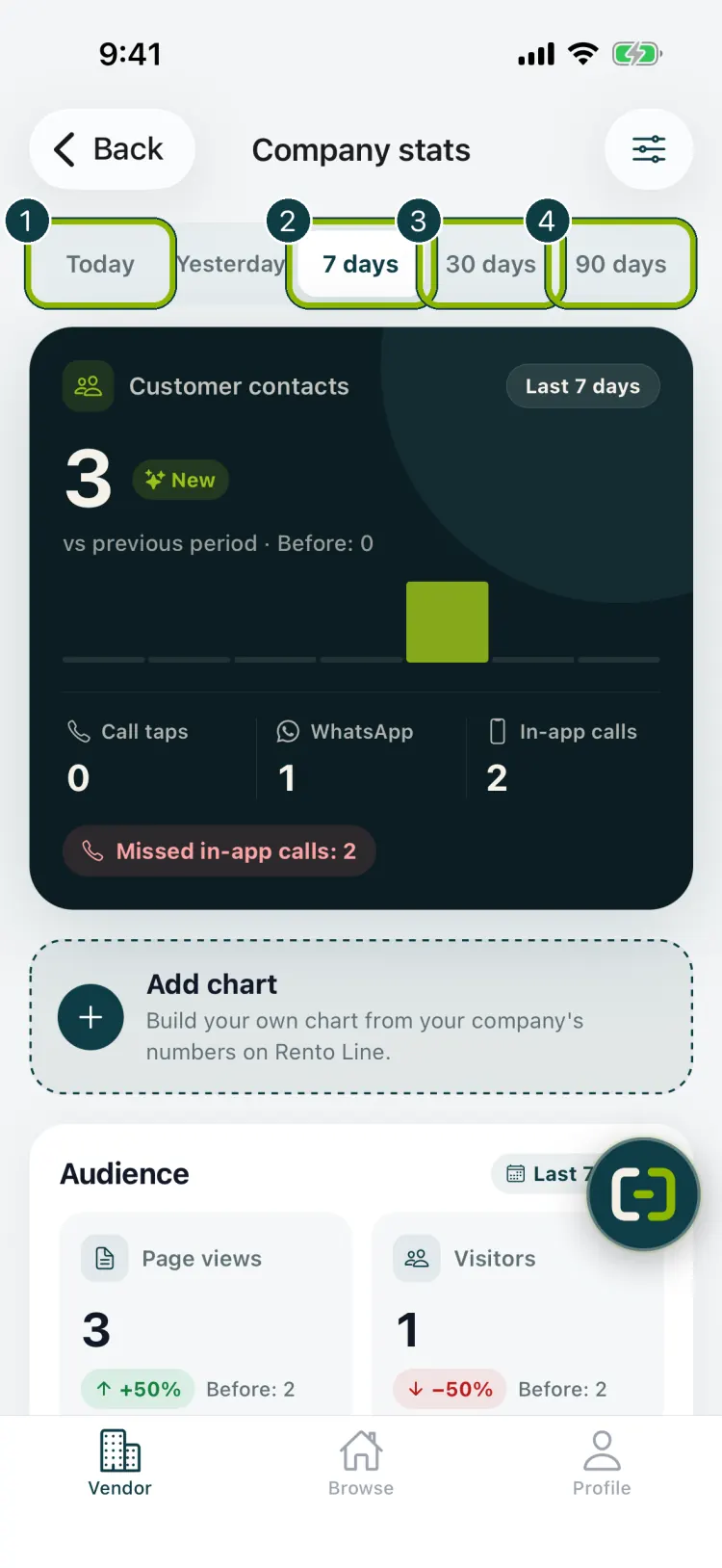
Company stats with the period tabs marked Step 3: Scroll for your top cars, contact taps and countries.
Related guides
RentoLine has no online booking and no payments: you agree and pay directly with the rental company.
Still need help?
Our team answers by free call, on WhatsApp (+44 7577 563300), by email and in chat.