
Car photos and videos
Good photos get more calls. Add 3+ photos, pick a cover and add up to 3 videos.
Эта инструкция доступна на английском и арабском.
- Для кого
- Прокатные компании
- Где
- Приложение · Сайт / Веб-панель
- 3 мин
Цель: Make your car stand out.
Шаги
Шаг 1: Open the car (Edit) and scroll to Photos. Tap Add Photo.
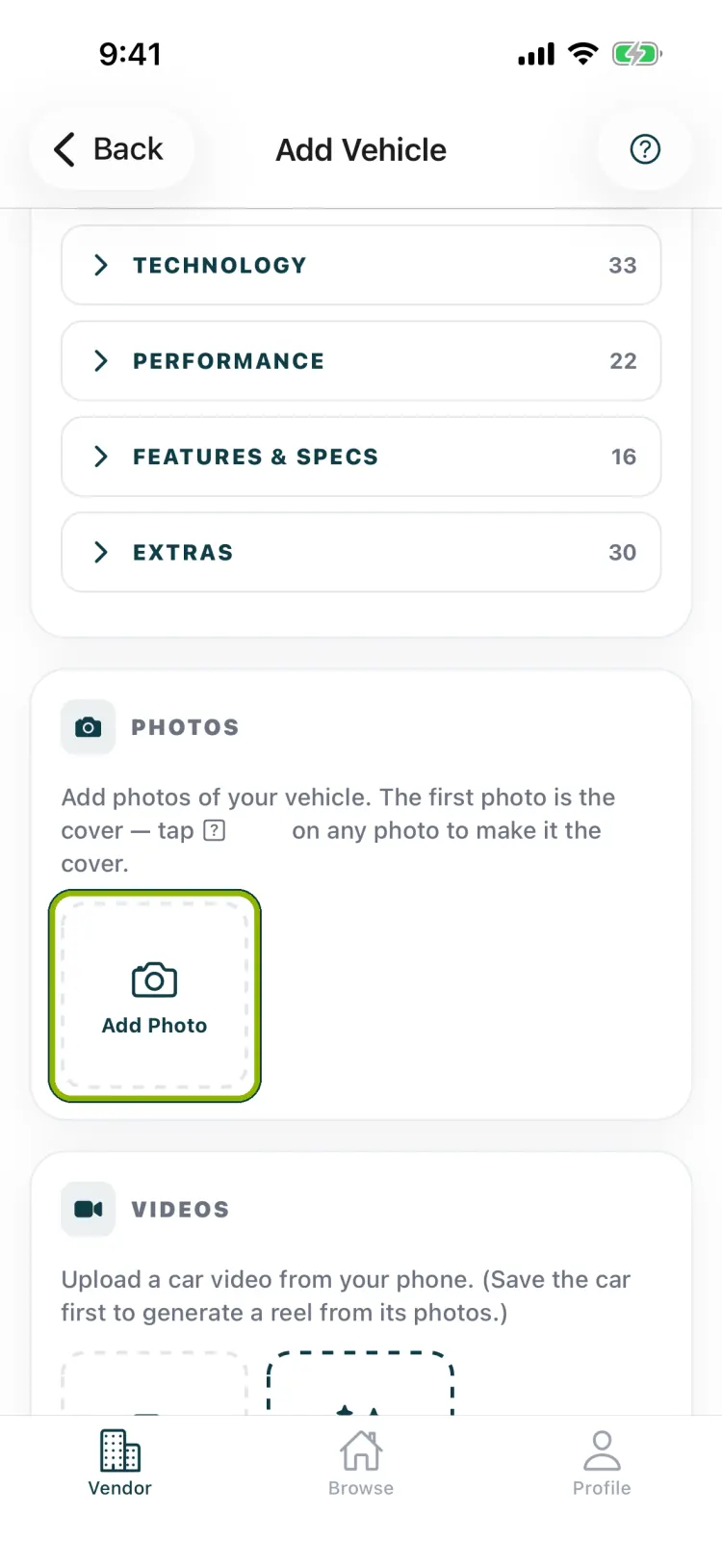
Add car screen with Add Photos marked Шаг 2: Tap a photo and choose Cover to make it the first photo. Use Edit photo to crop or rotate.
Шаг 3: Under Videos tap Add Video: up to 3 videos, each up to 2 minutes.
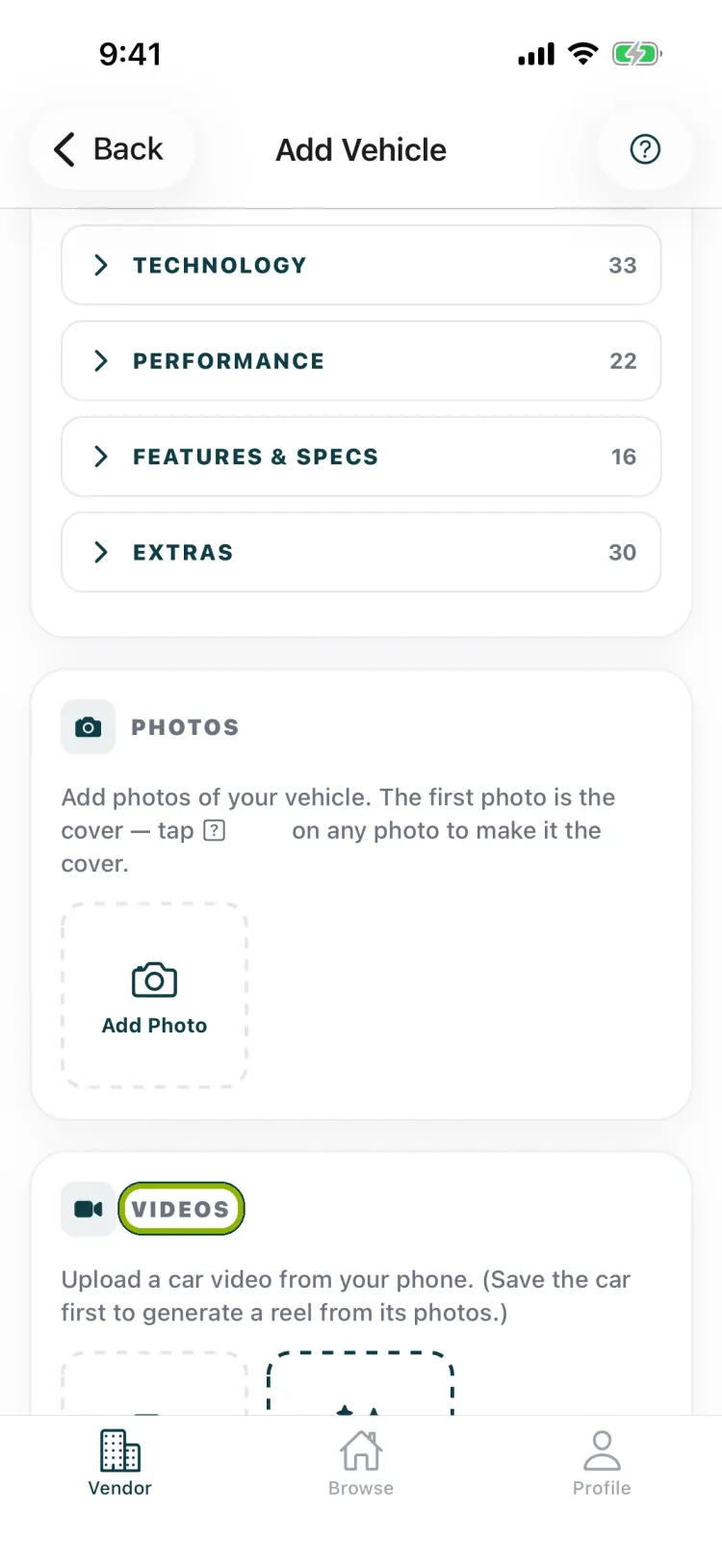
Add car screen with the Videos section marked Шаг 4: Tap Save Changes.
Советы
- Shoot in daylight: front, side, back, seats and dashboard.
- Use real photos of your own car, not photos from the internet.
Похожие инструкции
На RentoLine нет онлайн-бронирования и оплаты: вы договариваетесь и платите напрямую прокатной компании.
Нужна помощь?
Наша команда отвечает по бесплатному звонку, в WhatsApp (+44 7577 563300), по электронной почте и в чате.