
Save cars to favourites
Tap the heart to keep cars you like and compare them later.
Эта инструкция доступна на английском и арабском.
- Для кого
- Арендаторы
- Где
- Приложение · Сайт
- 1 мин
Цель: Keep a short list of cars.
Шаги
Шаг 1: In the app, tap the heart on a car card in the list. On the website you can also tap the heart on the car page.
Шаг 2: Open your list: swipe from the edge of the screen to open the menu and tap Favorites. Signed in, you also find it in Profile → Favorites. On the website, open Favorites.
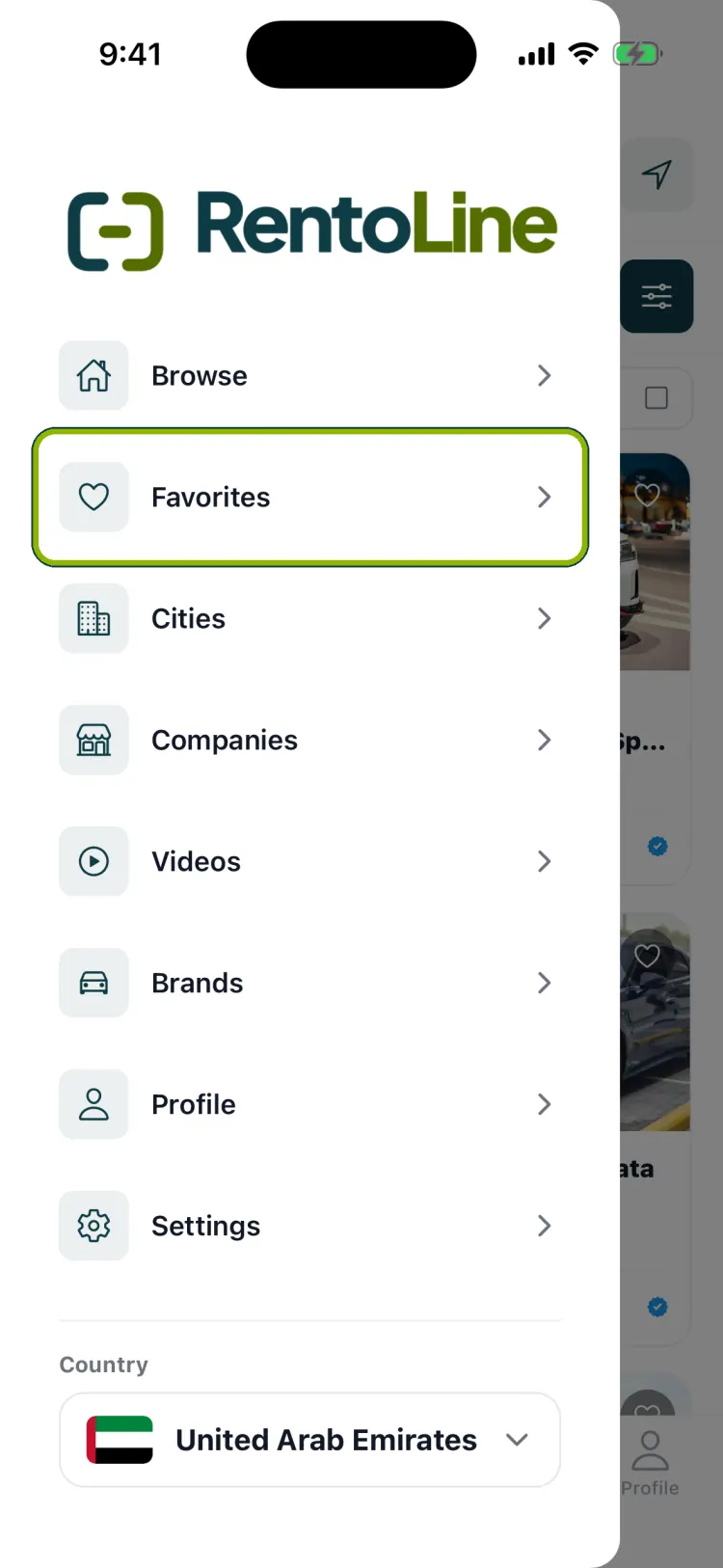
The app's side menu opened from the edge of the screen, with Favorites marked Шаг 3: Your saved cars are here. Tap the heart again to remove a car.
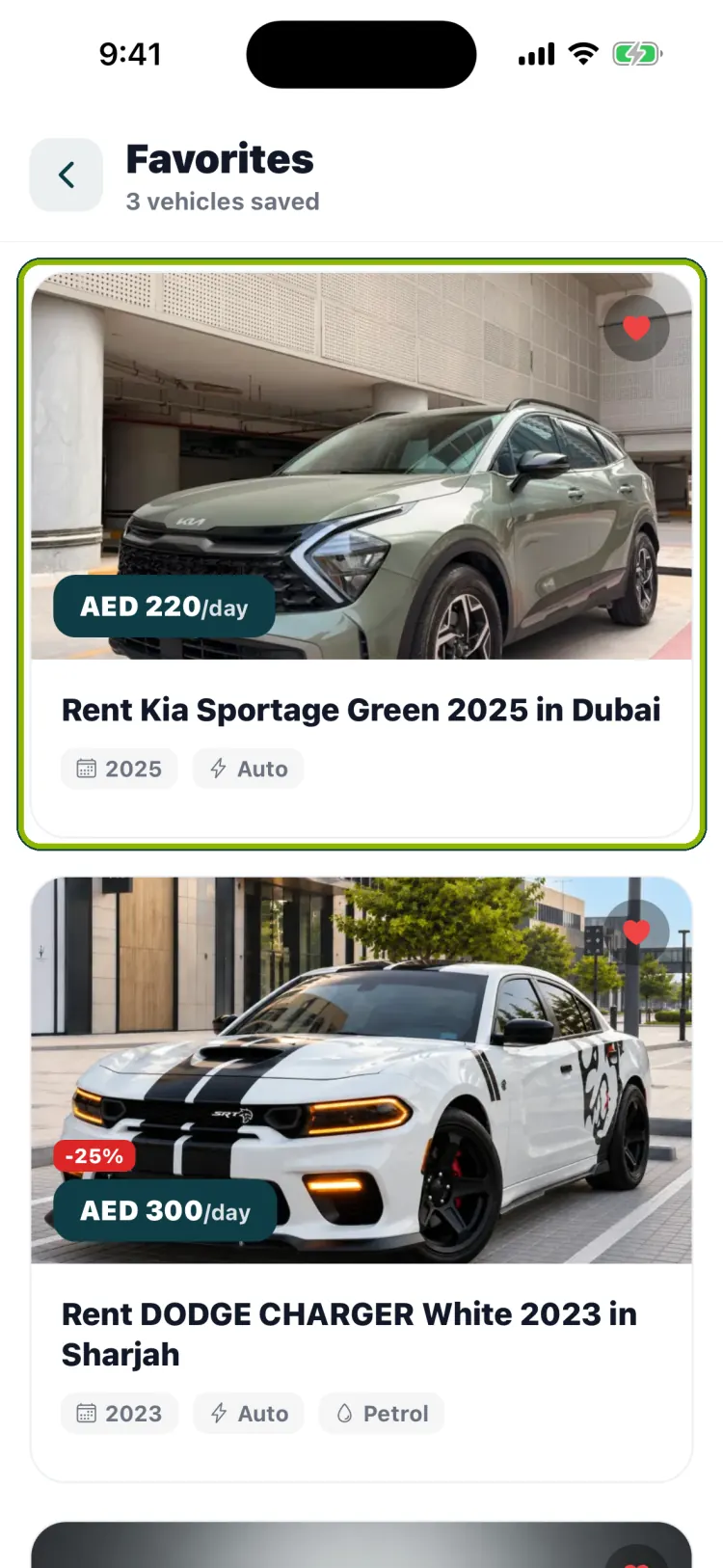
Favorites list in the app with a saved car
Советы
- Sign in to keep your favourites on all your devices.
Похожие инструкции
На RentoLine нет онлайн-бронирования и оплаты: вы договариваетесь и платите напрямую прокатной компании.
Нужна помощь?
Наша команда отвечает по электронной почте.