
Read your company stats
Views, calls, WhatsApp taps and chats for any period.
Эта инструкция доступна на английском и арабском.
- Для кого
- Прокатные компании
- Где
- Приложение · Сайт / Веб-панель
- 2 мин
Цель: See what works and improve it.
Шаги
Шаг 1: On the Vendor tab tap “Company stats” in your tools (web panel: Analytics).
Шаг 2: Choose a period: Today, Yesterday, 7, 30 or 90 days.
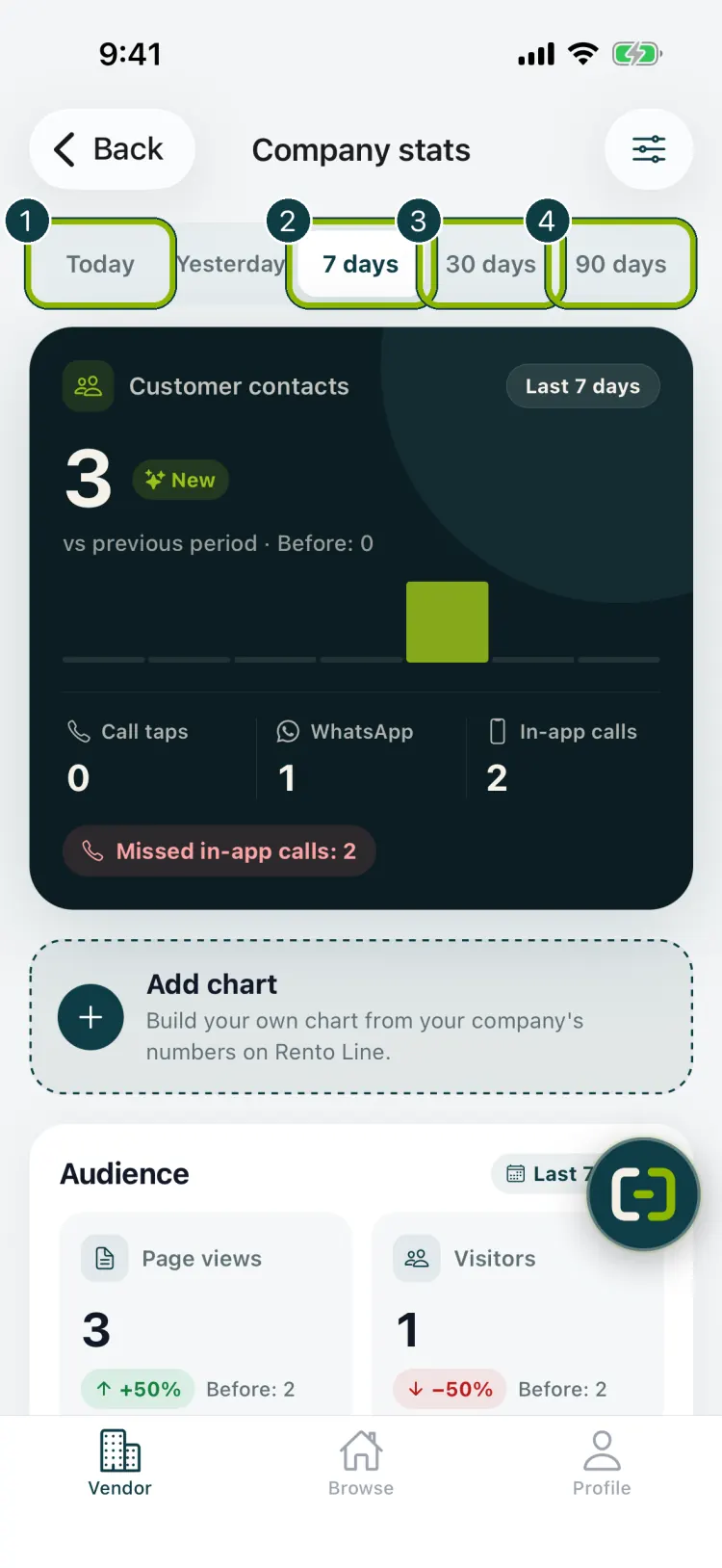
Company stats with the period tabs marked Шаг 3: Compare your cars: which get views but no calls? Improve their photos or prices.
Похожие инструкции
See who visits your cars — liveA live globe shows where your visitors are, now and in the last 30 days. Export a PDF report.2 minCheck your company page healthProfile Check gives your page a score and tells you what to fix.2 minThe new Company stats screenA clearer stats screen: your key numbers first, then your cars and where clients come from.2 min
На RentoLine нет онлайн-бронирования и оплаты: вы договариваетесь и платите напрямую прокатной компании.
Нужна помощь?
Наша команда отвечает по бесплатному звонку, в WhatsApp (+44 7577 563300), по электронной почте и в чате.